

Installation
LG webOS Installation Guide
Install the Touchify Player application on an LG webOS device.
Install the application
Access the device settings and open the SI Server Configuration.
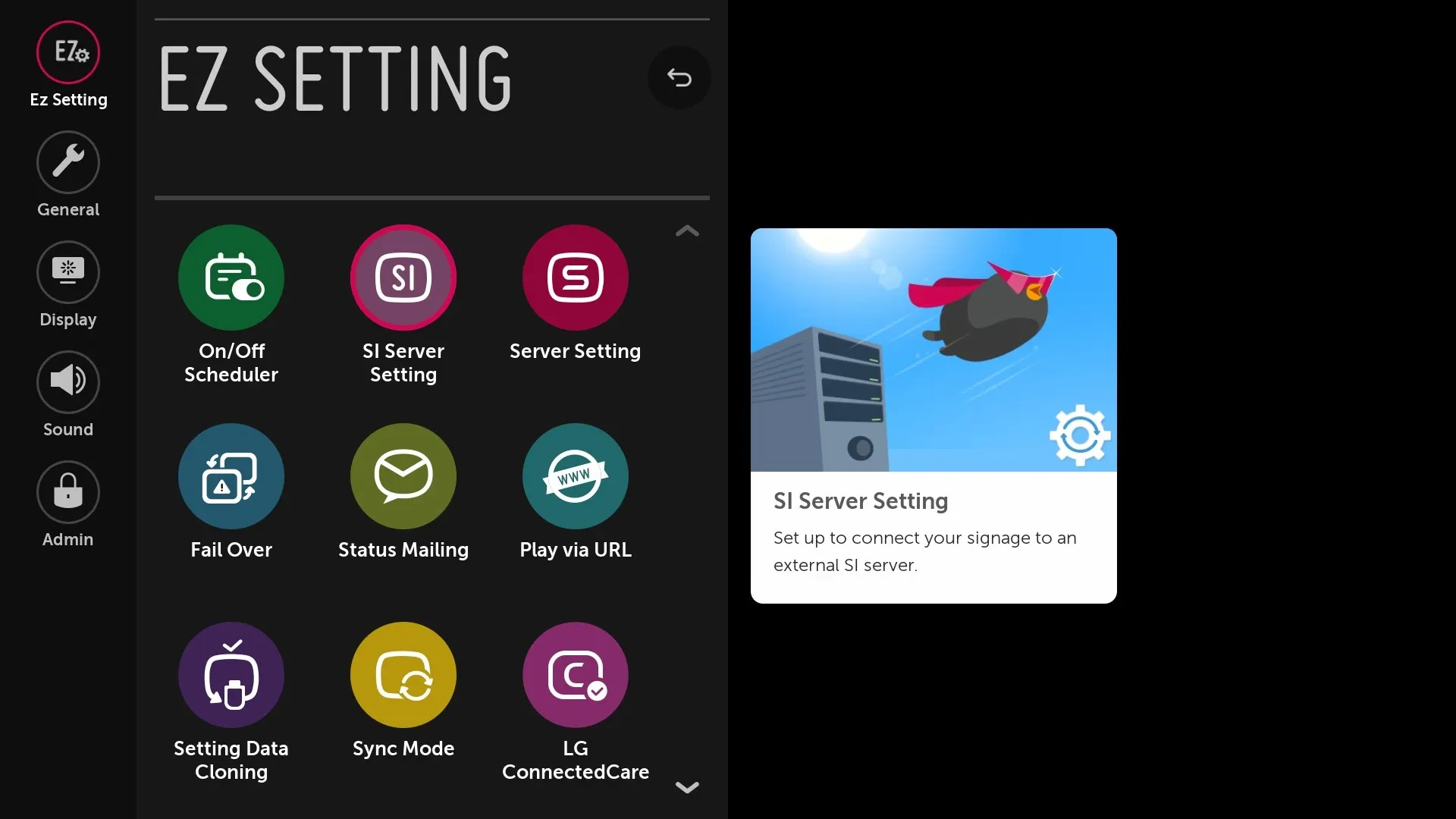
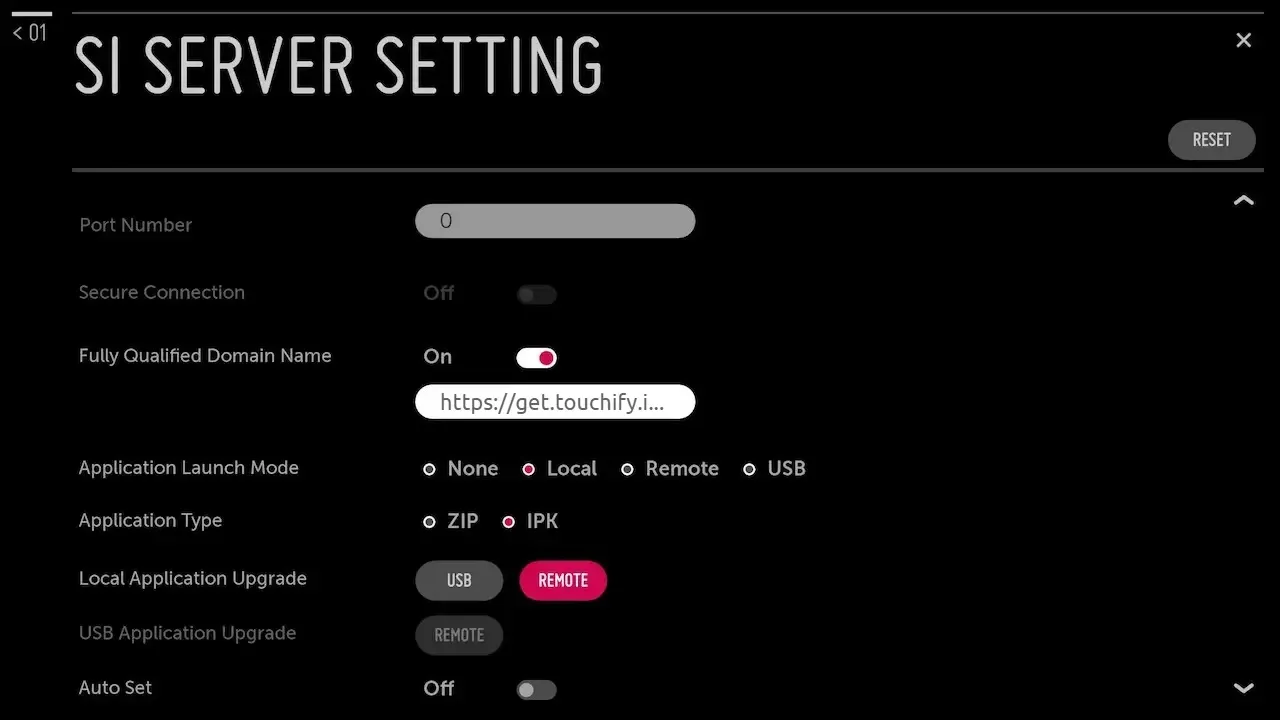
Enter the following configuration:
- Enable the option: Fully Qualified Domain Name
- Enter the following URL: https://get.touchify.io/webos
- Select Application Launch Mode: Local
- Select Application Type: IPK
- Select Local Application Update mode: Remote
- Click Confirm then OK
- Restart the device
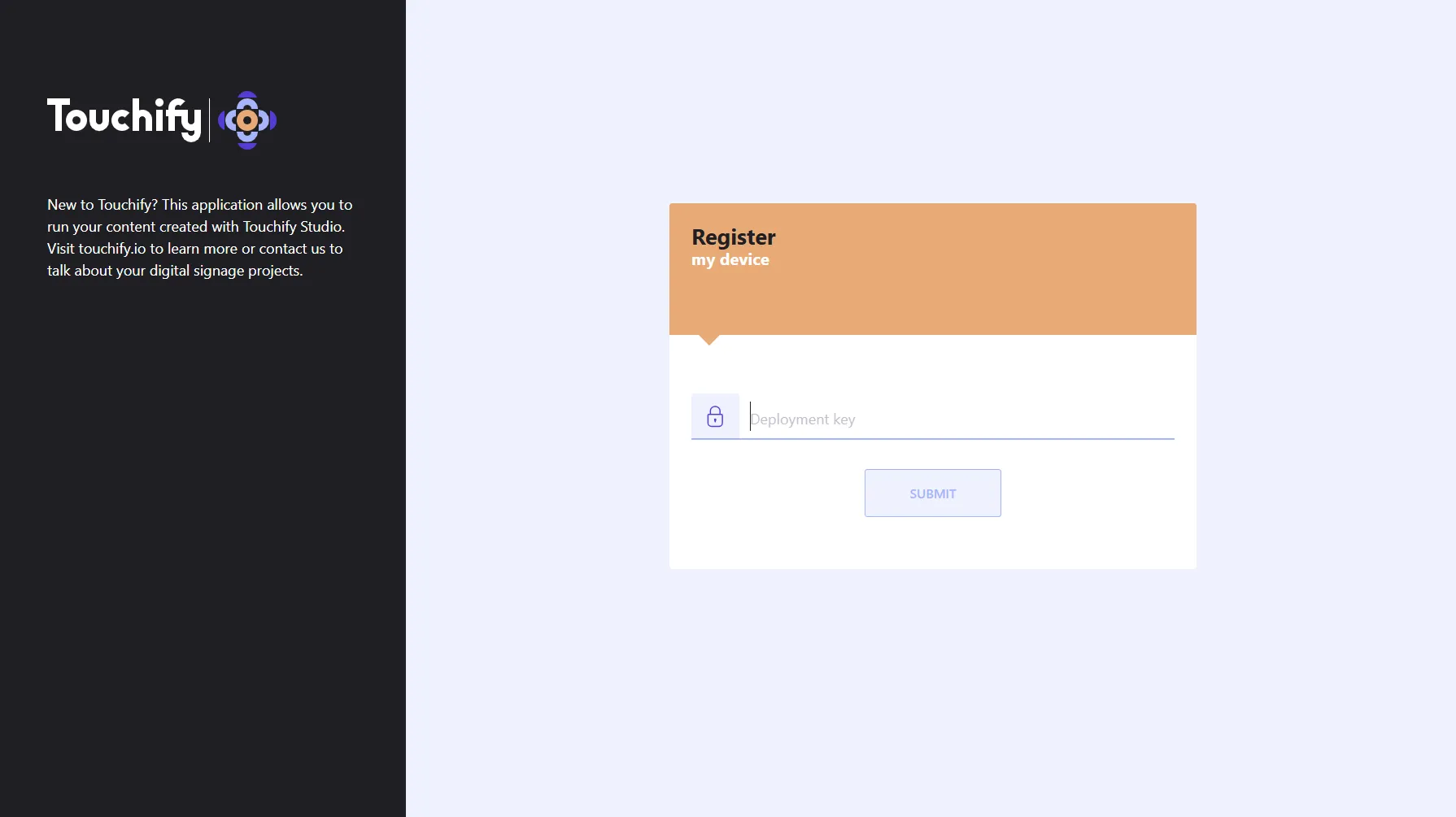
Associate the device with a broadcast group
Use your deployment key to associate the device with one or more broadcast groups and control it from Touchify Publisher.
To learn more, see the article Introduction to Touchify Publisher.