

Installation
macOS Installation Guide
Install the Touchify Player application on a macOS computer.
Download the application
Installation on macOS is done using a DMG package.
Download Touchify PlayerInstall the application
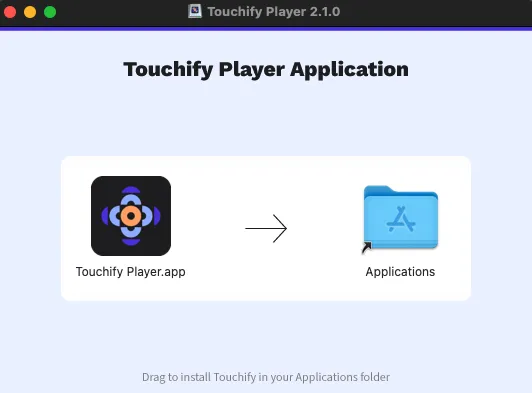
Open the DMG package, then drag Touchify into the Applications folder.
Connect
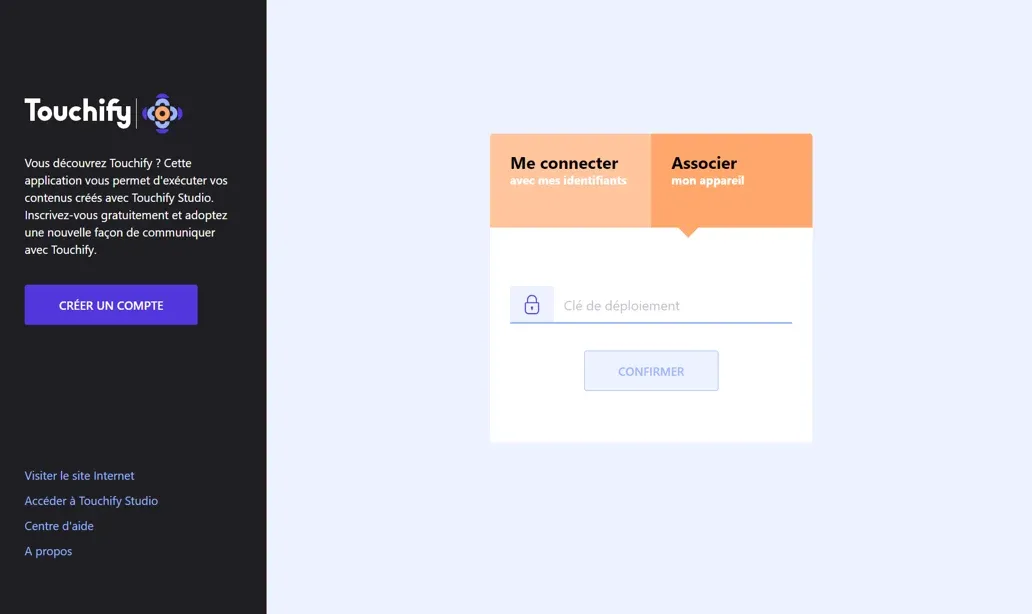
The Touchify Player application offers 2 authentication modes.
Sign in with a user account
Use your credentials to sign in to your user account and access your published projects.

Associate a screen with a broadcast group
Use a deployment key to associate the device with one or more broadcast groups and control it from Touchify Publisher.
For more information, see the Introduction to Touchify Publisher article.