

Installation
Tizen Installation Guide
Install the Touchify Player application on a Samsung Tizen device.
Install the application
Open the URL Launcher tool on Tizen
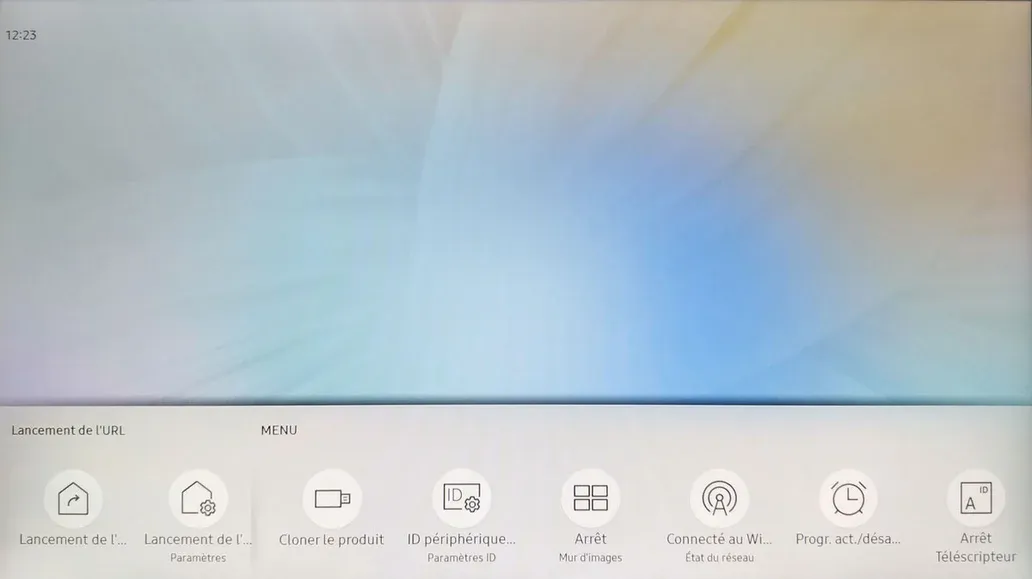
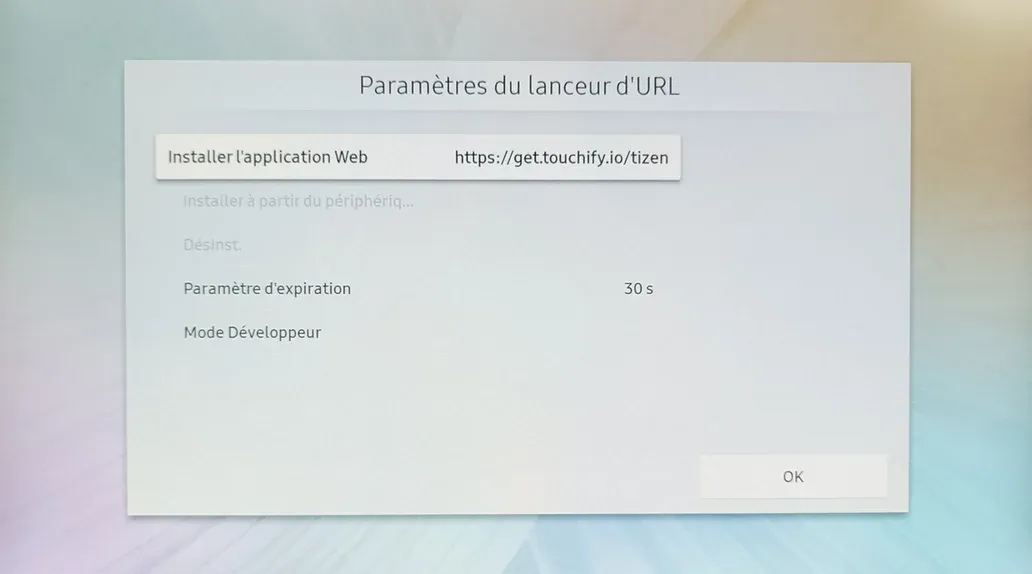
In the settings, enter the following URL:
https://get.touchify.io/tizen
On some older versions of Tizen, the above URL may not work due to a certificate issue.
This is a security vulnerability on these Tizen versions, so we recommend updating the device's firmware. The URL will then work and the vulnerability will be fixed.
If updating the firmware is not possible, you can install the application using the following URL:
https://touchifyapplications.blob.core.windows.net/tizen
If updating the firmware is not possible, you can install the application using the following URL:
https://touchifyapplications.blob.core.windows.net/tizen
Associate the device with a broadcast group
Use your deployment key to associate the device with one or more broadcast groups and control it from Touchify Publisher.
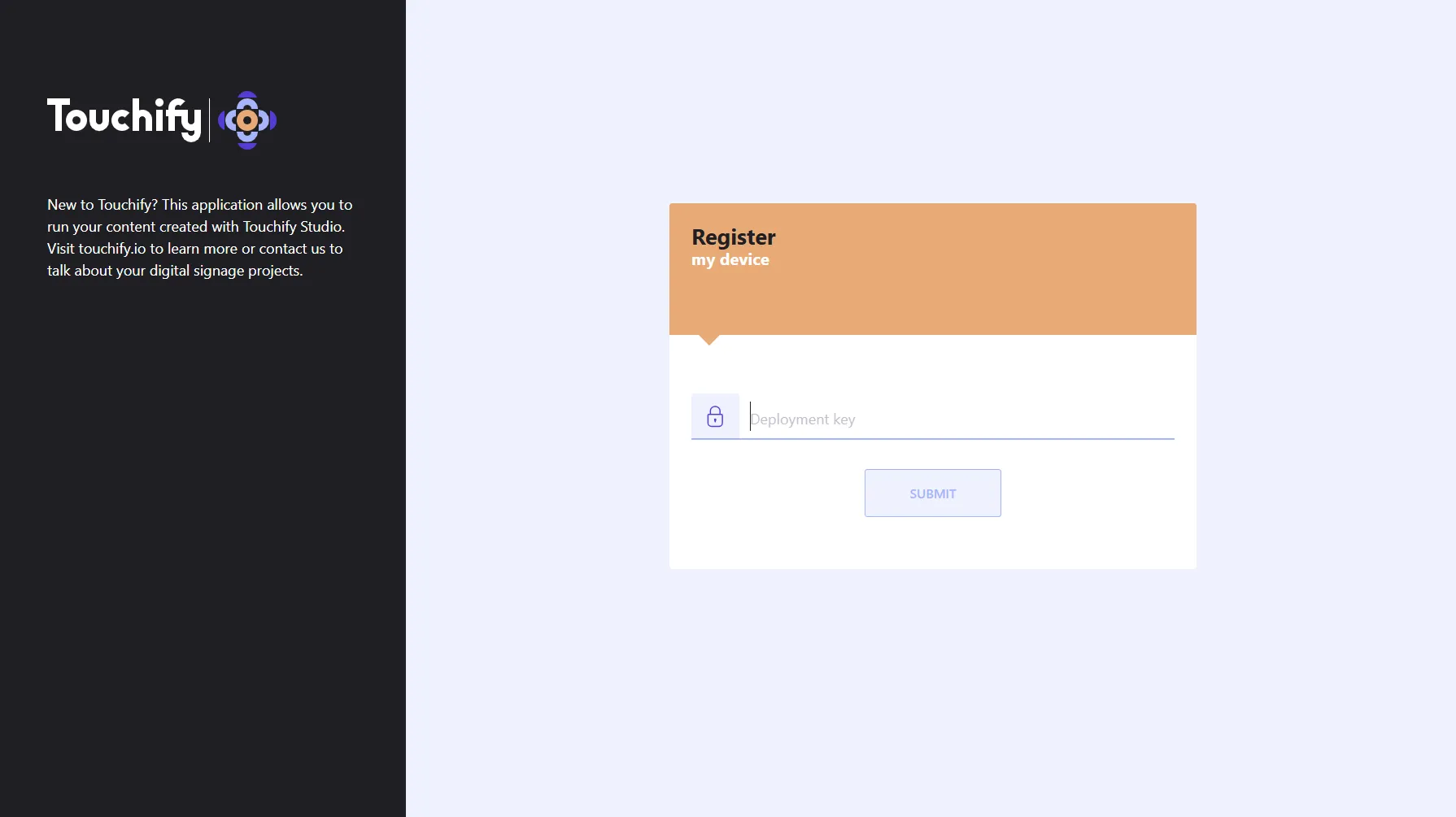
For more information, see the Introduction to Touchify Publisher article.