

Installation
BrightSign Installation Guide
Install and configure the Touchify Player application on a BrightSign player.
Prerequisites
Firmware update
For optimal operation, make sure to update the firmware of your BrightSign player.
BrightSign DownloadsFirmware installation
- Download the version corresponding to your device
- Copy the .bsfw file to the root of your SD or micro SD card
- Insert the card into the BrightSign player
- Start the player to update the firmware
- The power LED will blink to indicate the update is in progress
Download the application
Use the standard package
If your BrightSign player is already configured or you want to configure it with your own tools, download the standard package directly.
Download BrightSign packagePre-configure my package
You can also pre-configure your BrightSign player for Touchify and then download the ready-to-use package.
Open BrightSign configurator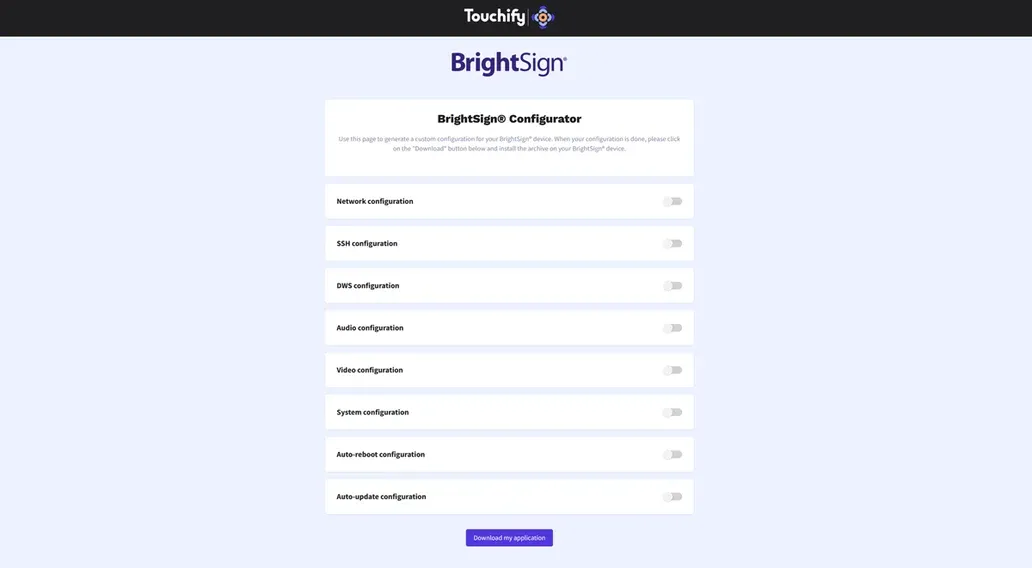
Install the application
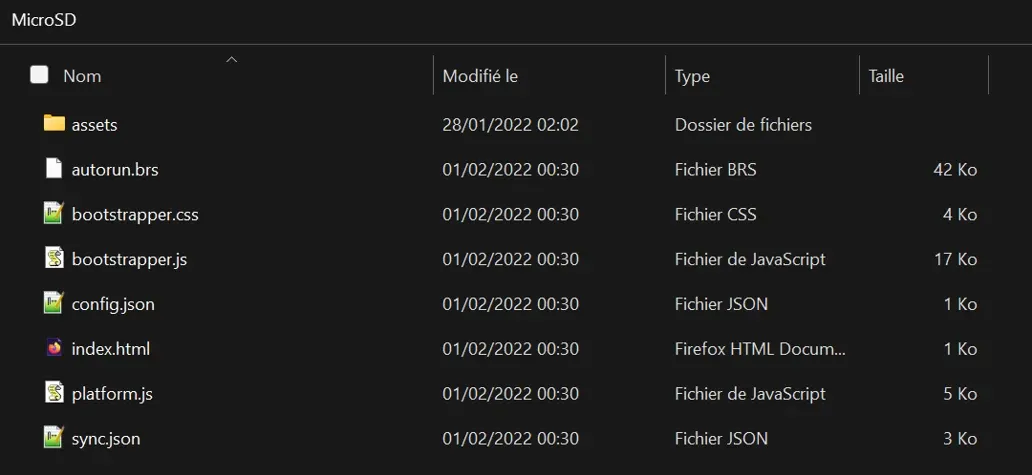
Extract the package downloaded in the previous step to the root of an SD or micro SD card, then insert the card into the BrightSign player.
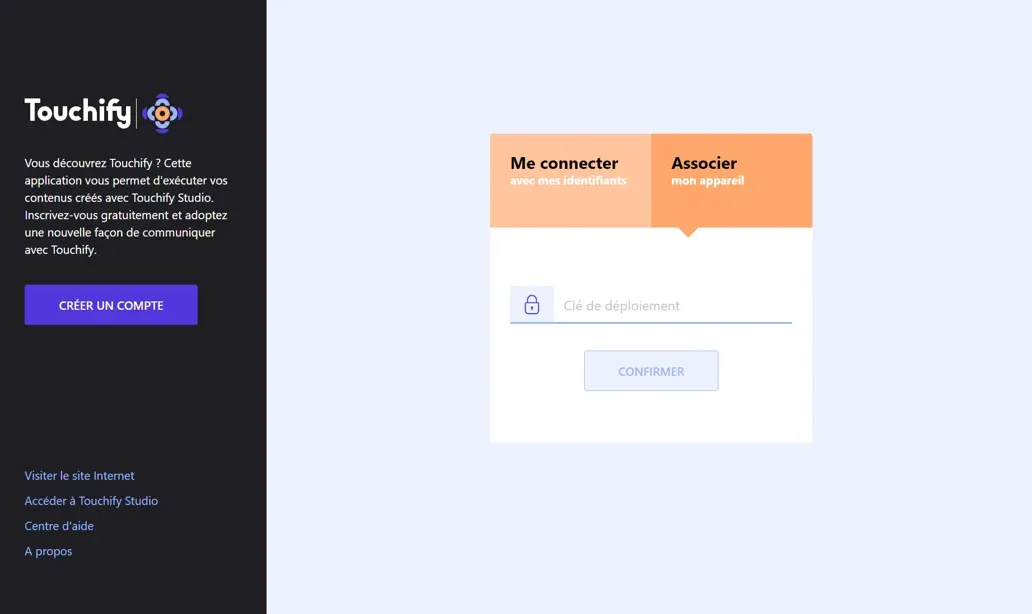
Associate a screen with a broadcast group
Use a deployment key to associate the device with one or more broadcast groups and control it from Touchify Publisher.
For more information, see the Introduction to Touchify Publisher article.