

Publish and Broadcast
Publication
Via Studio
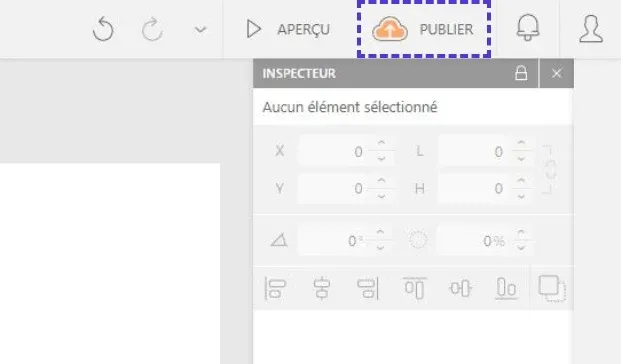
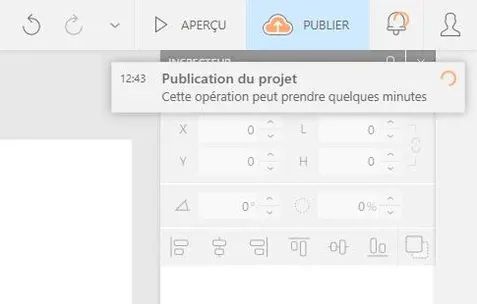
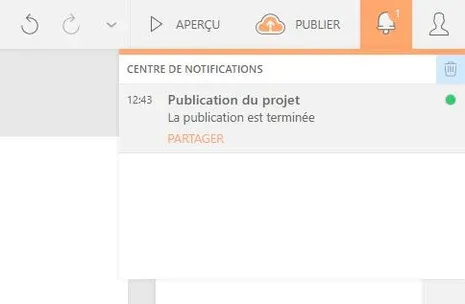
Click on the orange "Publish" button in the studio's top menu, next to the "Preview" button. Wait until the end of the loading: a notification will appear to announce the publication.
Via Project Page
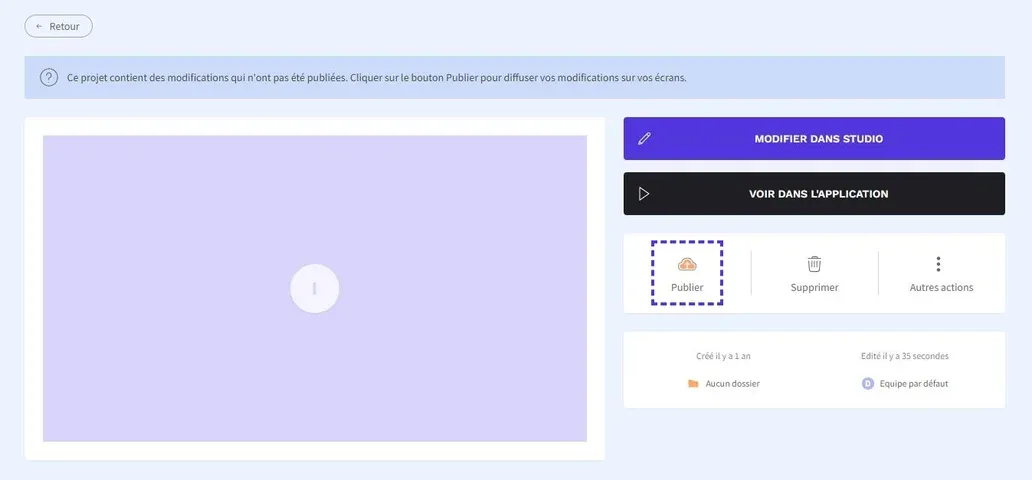
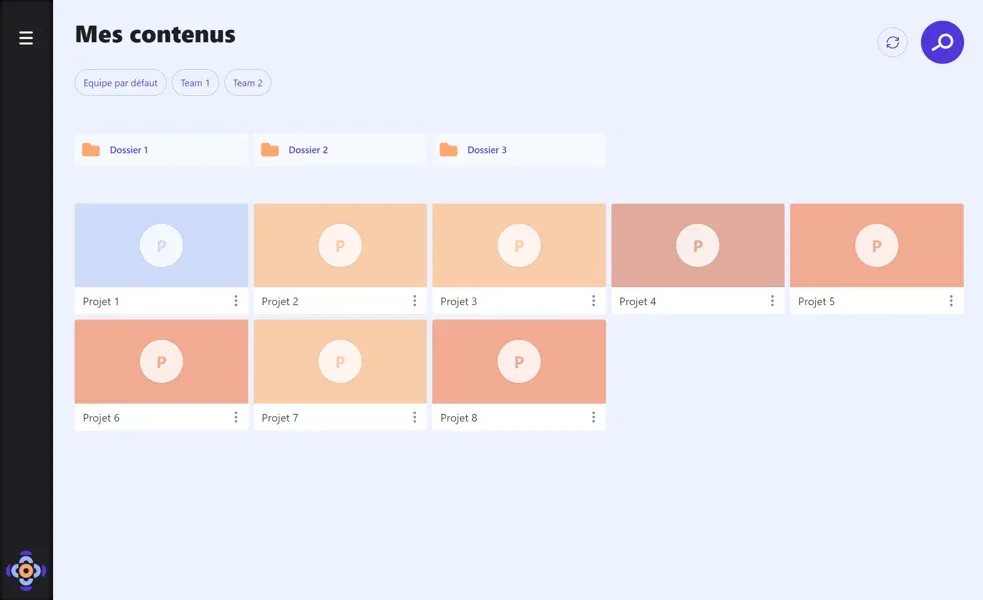
From the main "My Projects" page, click on the title of the presentation you want to publish then select the orange "Publish" button.
You will receive a notification when the loading is finished.
Web Sharing
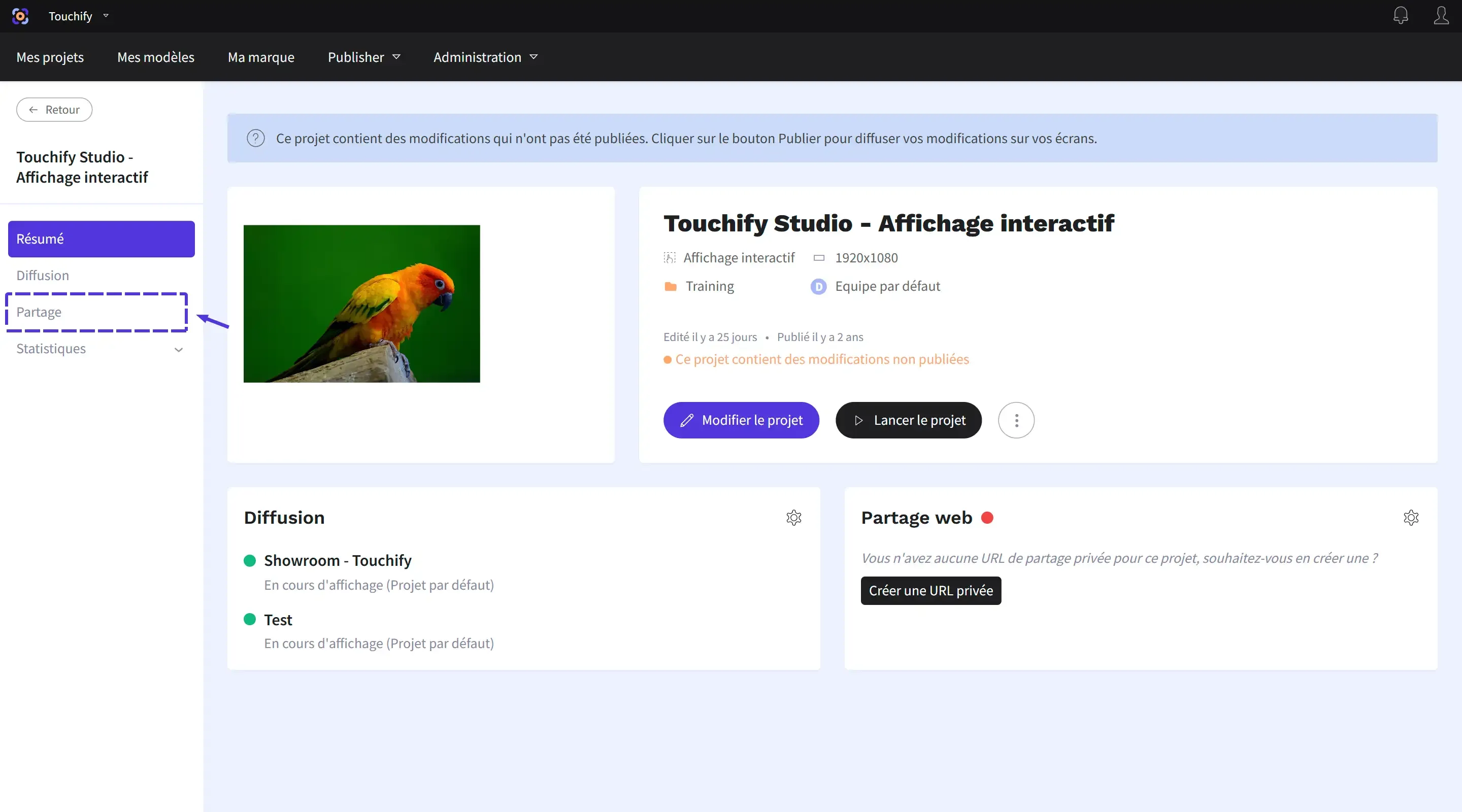
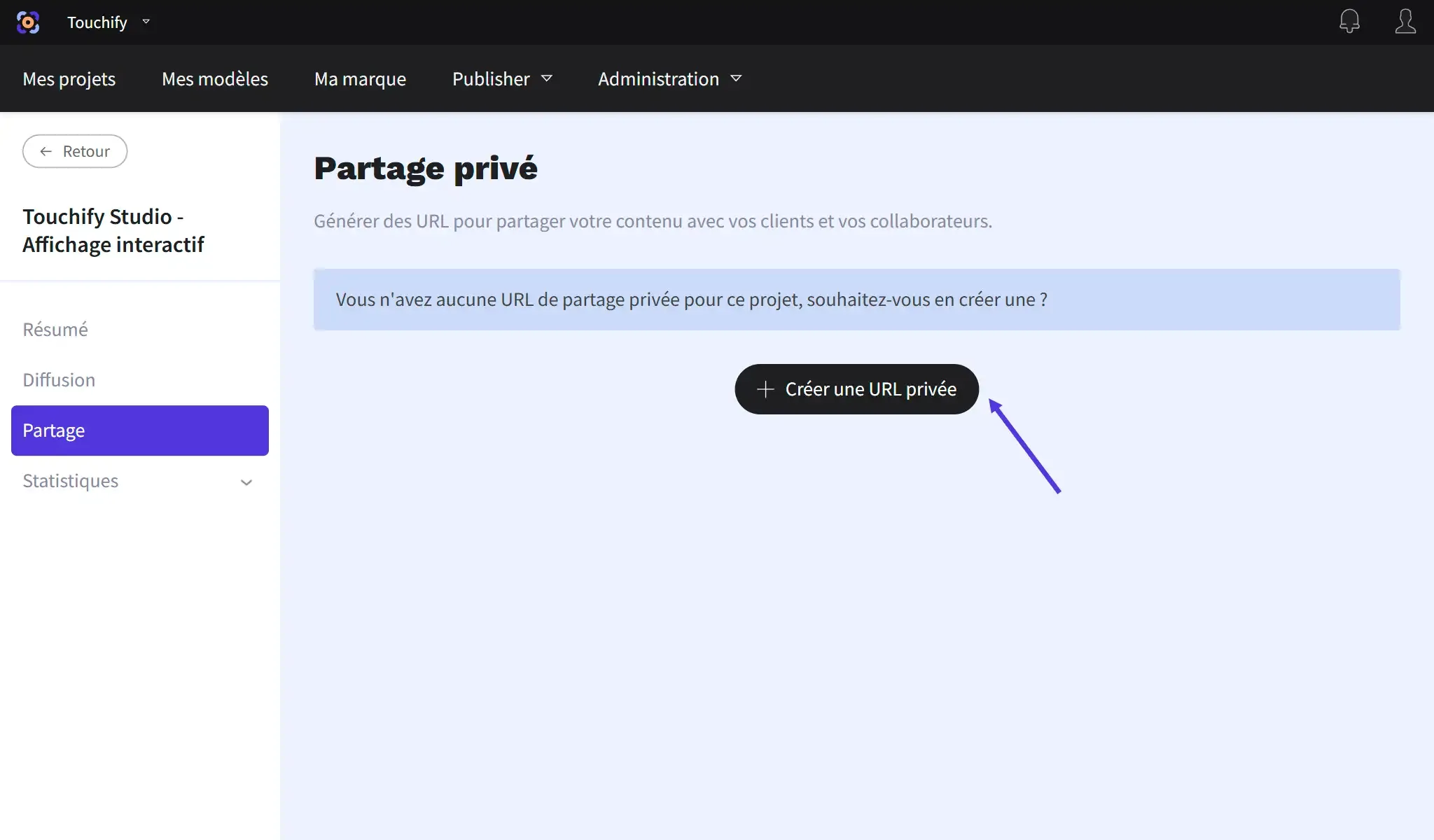
The project can be shared as a private link. Click on the "Sharing" tab in the project page then click on the "Create a private URL" button
Copy the presented link to share it.
Touchify Player
The Touchify Player application allows you to display Touchify content on a computer. It is compatible with major operating systems (Windows, Linux, Android, iOS...).
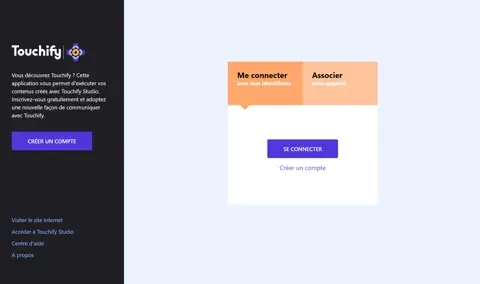
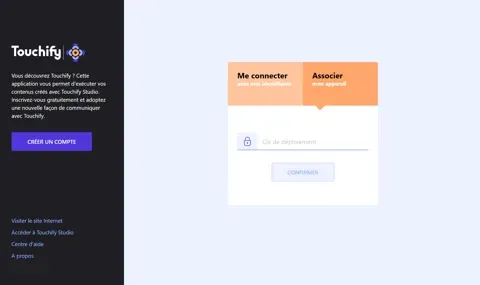
Two authentication modes are available:
- User account: personal computer, tablet or phone
- Deployment key: secure autonomous screen controlled with Touchify Publisher
For more information, consult the installation guides or contact support.